Convert SVG, logo or image to STL
A vector graphic or black-and-white image becomes a 3D model in a few clicks: shapes are extruded, holes (such as in “o”, “a” or “e”) are kept correctly, and the STL is watertight – ready for your slicer.
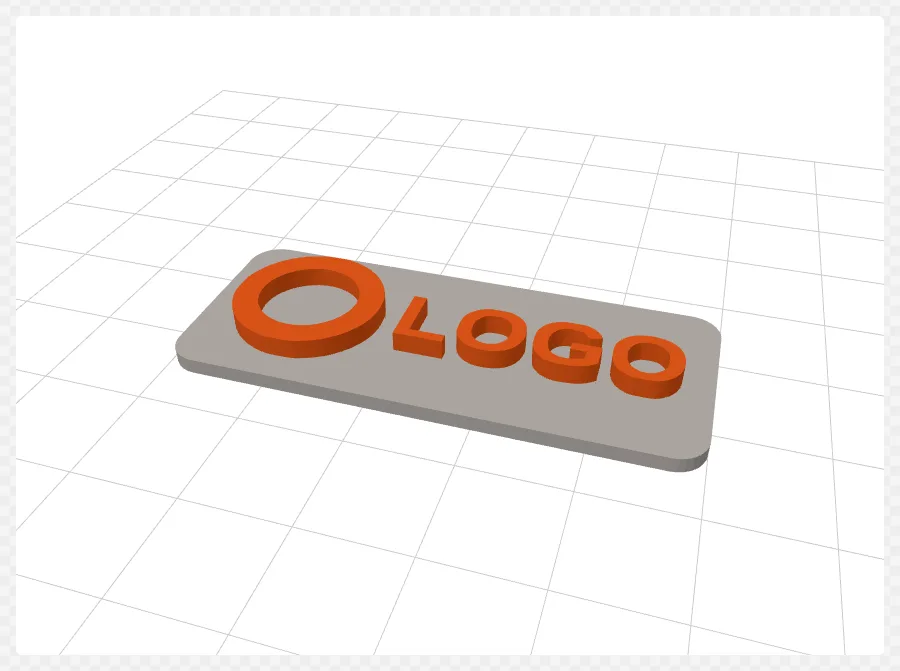
How it works
- Drop an SVG or PNG/JPG into the window.
- For images, adjust threshold and vectorization until the edges look right.
- Choose the “Extrusion → STL” mode, set the design height and optionally a base plate.
- Check the 3D view and click “Export STL”.
Features
- Own vectorization (Potrace method) for images, direct SVG import
- Base plate as rectangle, rounded or contour offset
- Mirroring for stamps
- Watertight (manifold) check, binary STL export
- Width and height can be scaled independently
Tips
- Keep the curve tolerance small for smooth curves (default 0.02 mm).
- Convert text in the SVG to paths first – plain text elements are ignored.
- Hide small specks in images with “Remove specks”.
FAQ
- Which files can I use?
- PNG, JPG and SVG. Images are converted to black and white and vectorized; SVGs are used directly.
- Is the STL printable?
- Yes. Every model is checked for watertightness; the result is shown next to the 3D preview.