Convert an image or SVG to laser G-code
The converter turns a logo, lettering or photo into ready-to-run G-code for your laser engraver – whether it is a 3D printer with a laser module (Marlin) or a diode laser running GRBL. The preview shows every path and every travel move before you export.
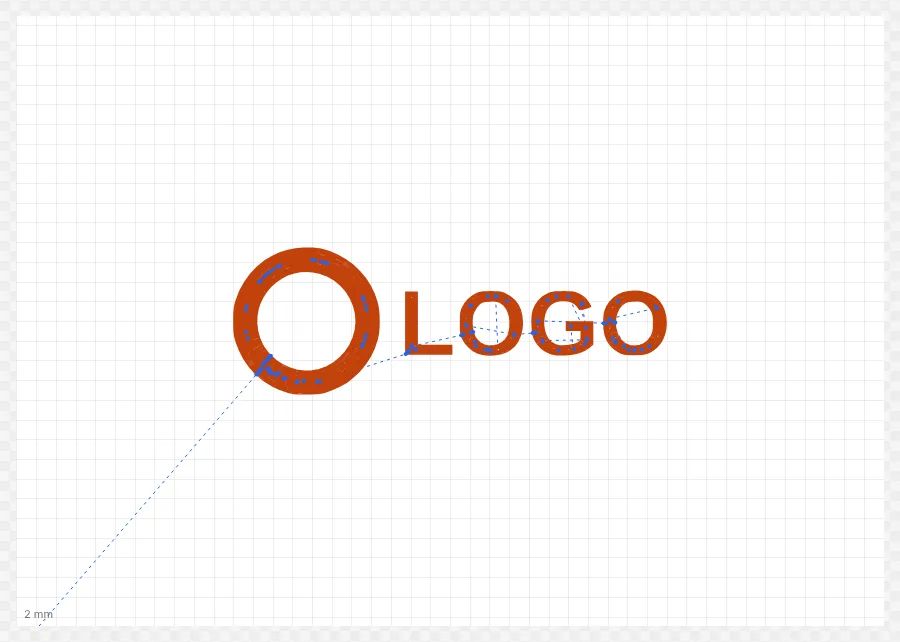
How it works
- Drop a PNG, JPG or SVG into the window.
- Set the target size in millimeters; for images, adjust the threshold.
- Choose the “Laser → G-code” mode and a strategy: concentric, hatch, hybrid, centerline, outline only or raster engraving.
- Pick or create a machine profile (work area, laser on/off command, power, speed).
- Click “Export G-code” – the file is checked automatically first.
Features
- Presets for Marlin with the laser on the fan output (M106/M107), Marlin laser mode (M3/M5) and GRBL (M4/M5)
- Concentric fill like perimeters in 3D printing; thin areas are filled with a centerline
- Hatching at any angle, cross-hatching and overscan
- Raster engraving for photos: Floyd-Steinberg, Jarvis-Judice-Ninke, Stucki, Atkinson, grayscale, halftone
- Check before export: no coordinate outside the work area, laser off at the end
- Time estimate including acceleration and a playable path animation
Tips
- Set a realistic spot diameter (often 0.1–0.2 mm) – the line spacing is derived from it.
- With Marlin and fan PWM, keep “Laser off before every travel move” enabled.
- Test with low power on scrap material first, then save the values in your profile.
FAQ
- Are my images uploaded?
- No. The conversion runs entirely in your browser; no files are sent to a server.
- Does it work with my 3D printer and laser module?
- Yes, as long as it runs Marlin or a compatible G-code dialect. Laser on/off commands, power range and start/end sequence are fully configurable.
- Can I engrave text as a single line?
- Yes, with the “Centerline” strategy. It follows only the centerline; single-line fonts from SVGs are used directly.